The Outstanding Tiny Desk AI template, ready to use
Looking for the Outstanding Tiny Desk AI template? You don't need CapCut. The shots, the cuts and the song from the viral All-Loss video are fixed, and your photo fills the lead singer's spot.
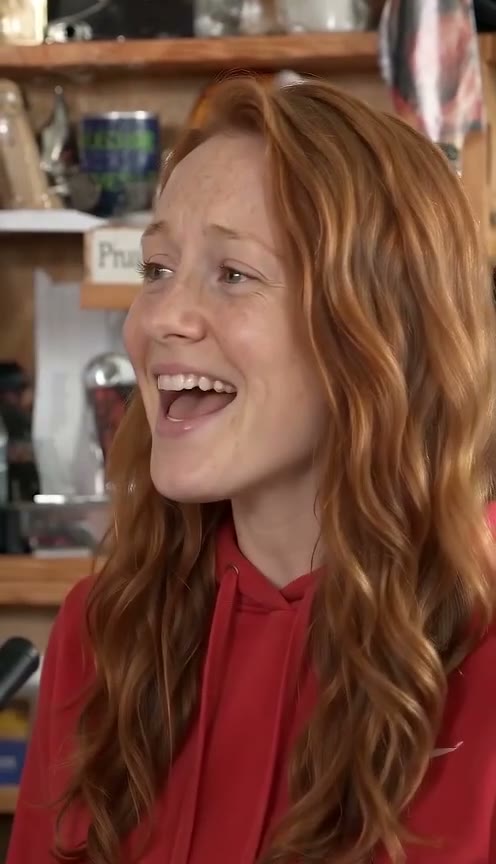
What's in the template
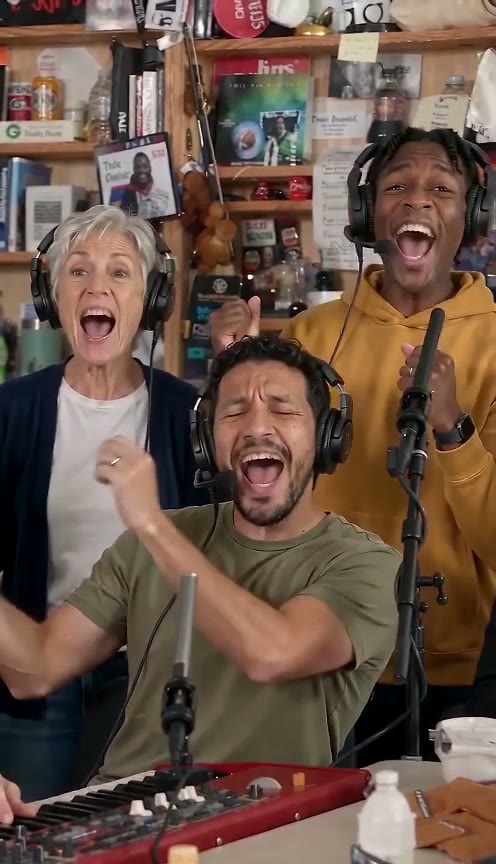
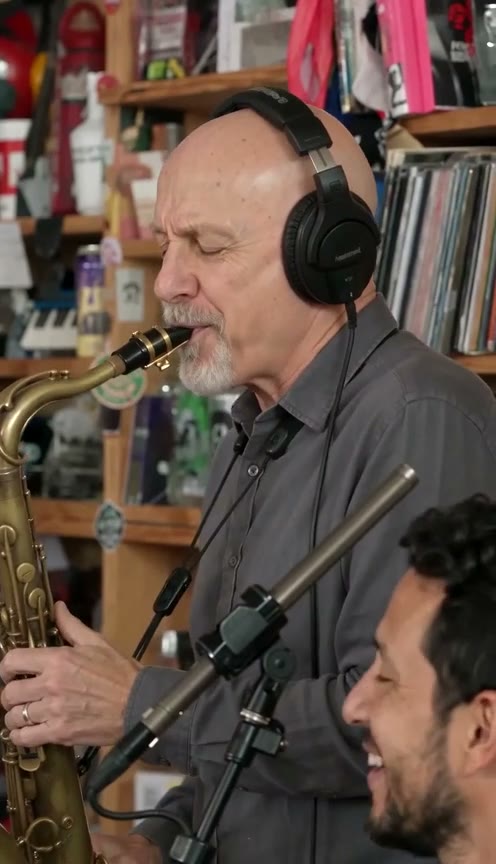
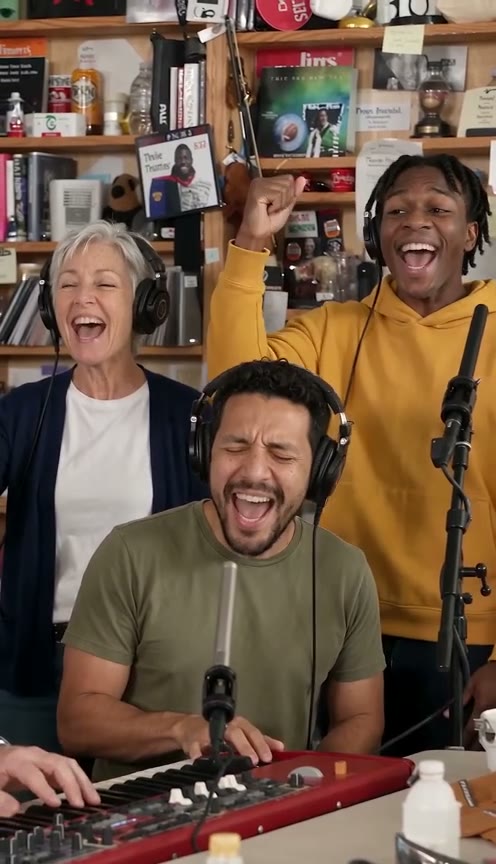
- Four shots, about 18 seconds: the band, the big laughing close-up, the sax solo and the band again, cut where the viral video cuts.
- The song, synced: the original “Outstanding” audio, plus a silent copy in case TikTok or Instagram mutes it.
- Ready to post: a 9:16 vertical MP4 with no watermark.
Stills from an example. Made from an AI-generated photo.
Which spots you fill
- Lead singer (required): your photo, in the big laughing close-up. That is Charlie Wilson's spot in the original.
- Sax (optional): a friend's photo plays the sax solo close-up, at no extra cost. Without one, an AI musician plays it.
- Keys and the back row: AI musicians. Nothing to upload.
Why it starts on the band shot
The viral video opens with a 1.4-second shot of the lead in profile, before the vocal comes in. The template skips it and starts on the band, so your video is about 18 seconds instead of 19. Everything after that follows the viral cut.
A CapCut template or this one?
Most TikTok tutorials for the trend link a CapCut template. Here there is nothing to edit or sync: you upload a photo and download the finished clip with the song in place. The trade-off is that the song, the cuts and the shots can't be changed. If you want your own edit, the silent copy is there for it.
Using the template
- Upload a clear, front-facing photo of the lead singer.
- Optionally, add a friend's photo for the sax solo.
- Tick the parody box and make the video. It is usually ready in 4–7 minutes, and we email you.
- Download it and post. If a platform mutes the song, post the silent copy and add “Outstanding” from its music library.
Photo tips and every step in detail are in the step-by-step guide. For the story behind the clip, see the Outstanding Tiny Desk meme, explained.
Outstanding Tiny Desk AI template questions
Is the Outstanding Tiny Desk AI template free?
No. You pay per video: 1 video $9.99, 3 videos $19.99, 5 videos $29.99. One-time payment, no subscription, credits never expire, and a failed video gives its credits back.
Can I change the song or the cuts?
No. The song, the cuts and the shots are fixed; that is the template. You do get a silent copy if you want to edit around it in your own app.
Do I need CapCut or another editing app?
No. You upload a photo in your browser and download the finished MP4 with the song already synced.
Can I make one with my team's coaches?
Yes, for parody and fan edits; that is how the meme started. Don't use it to mislead people or to advertise.
Make your own Outstanding Tiny Desk video
about 18 s · the viral cuts from the band shot on · song + silent copy · 9:16 · $9.99 · see pricing
Upload a photoTinyDeskAI is an independent fan tool for parody videos. It is not affiliated with, endorsed by or connected to NPR, NPR Music's Tiny Desk Concerts, Charlie Wilson, The Gap Band, or any team, school or league. "Tiny Desk" is a trademark of NPR.